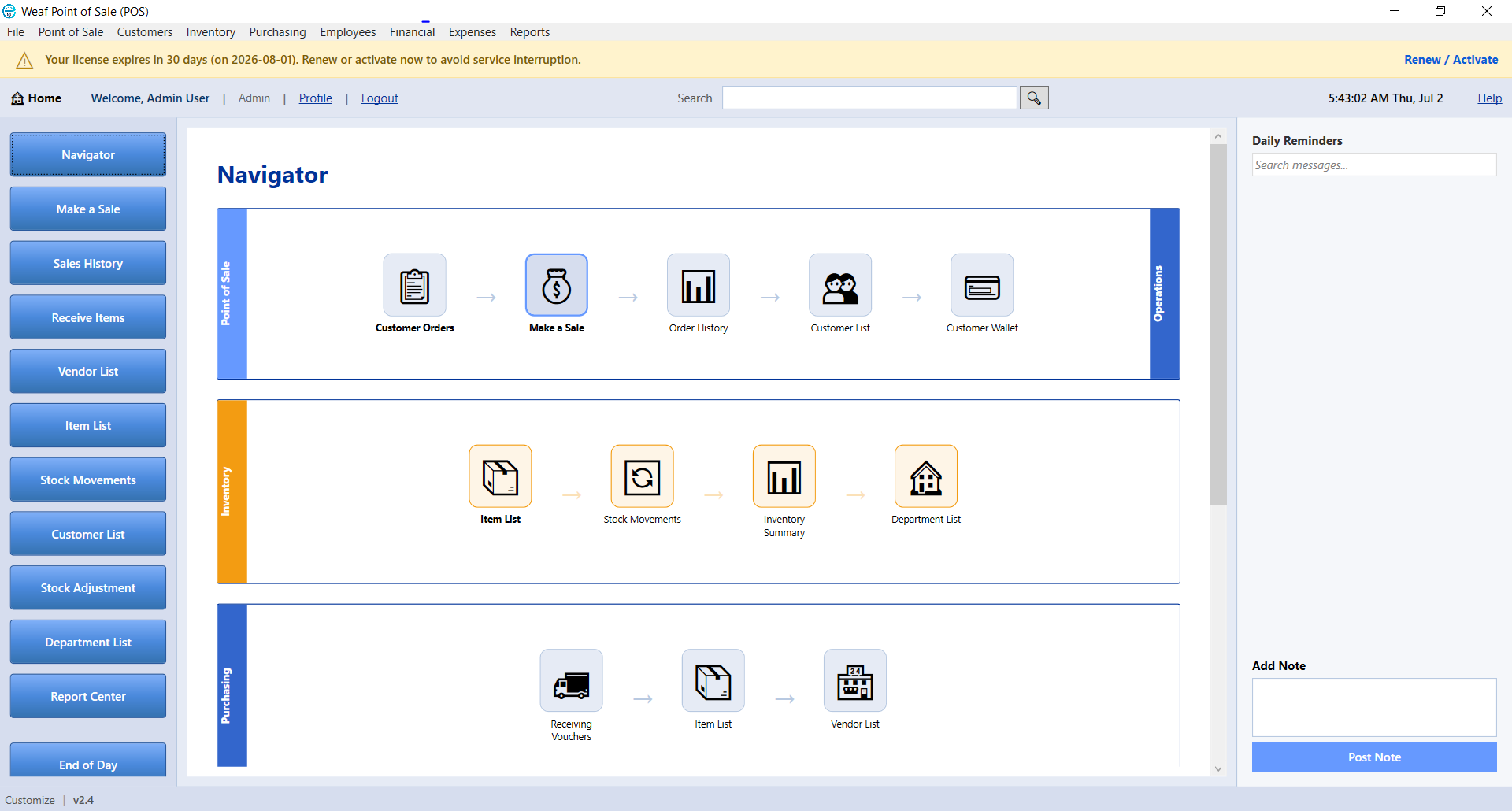
Single-User vs Multi-User Mode in WEAF POS
WEAF POS can run on one computer or across several tills on the same network. Choosing between single-user and multi-user mode depends on how many poi...
Read moreStay updated with our latest news, insights and industry trends.
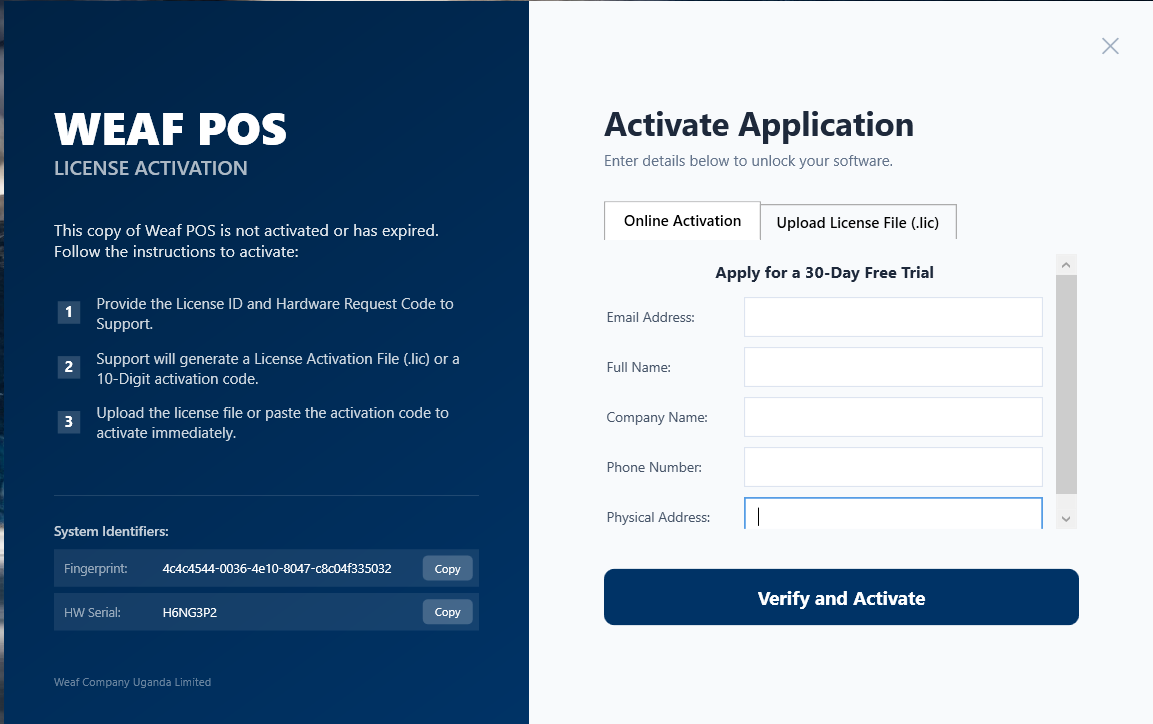
WEAF POS can run on one computer or across several tills on the same network. Choosing between single-user and multi-user mode depends on how many poi...
Read more
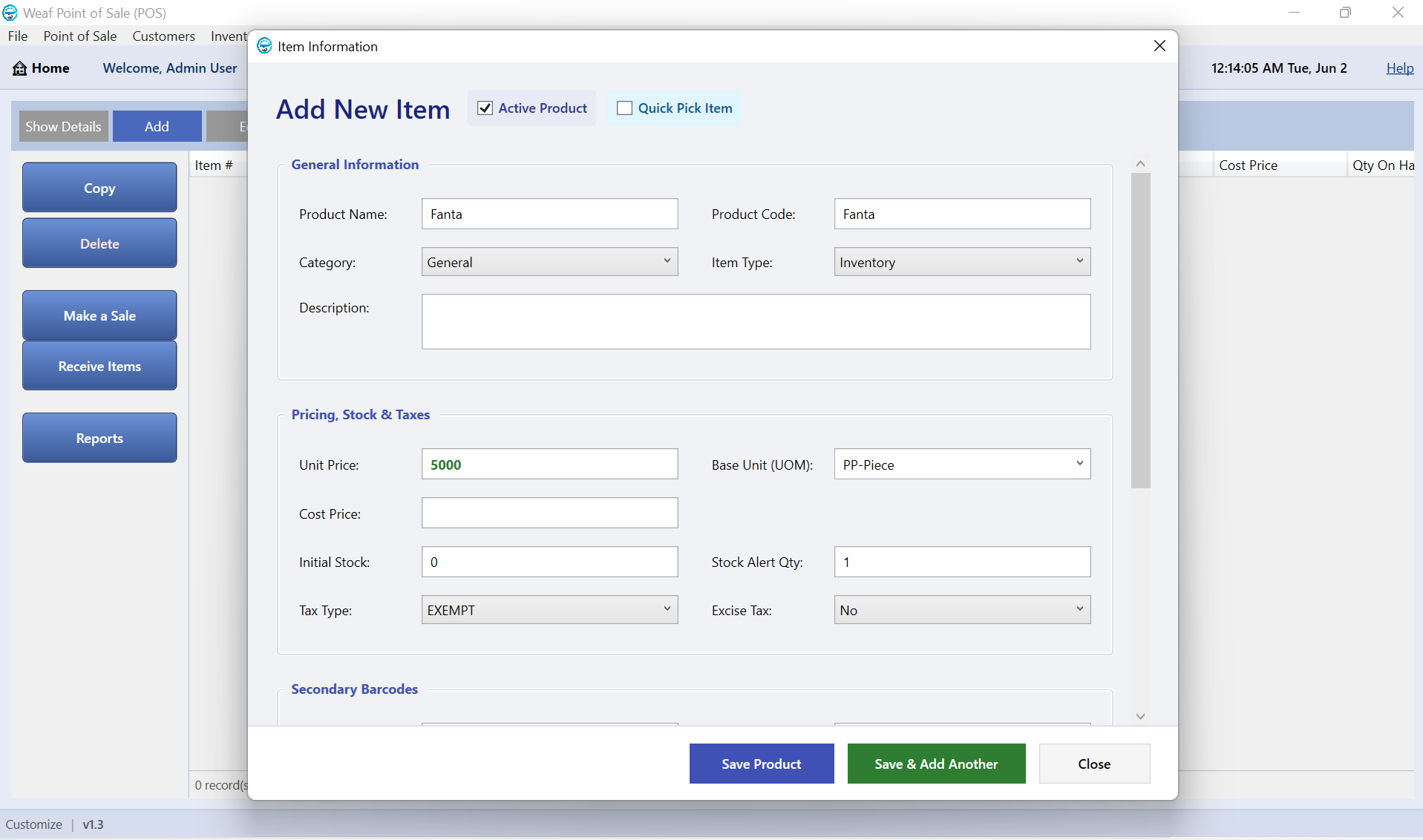
Running several tills means connecting each client computer to the WEAF POS server that holds your company file. WEAF POS makes this easy with automat...
Read more
Before you start selling, spend a few minutes configuring your business details and preferences. Getting these right means clean receipts, correct tax...
Read more
Giving each staff member their own login keeps your shop accountable. WEAF POS lets you add cashiers and managers with the right level of access so ev...
Read more
Most WEAF POS setups go smoothly, but if you hit a snag with activation or connecting tills, this quick troubleshooting guide covers the common causes...
Read more
Products are the heart of your point of sale. Once your licence is active, adding your first product takes seconds and lets you start ringing up sales...
Read more
As your product list grows, categories keep it tidy and make reporting far more useful. Grouping items helps cashiers find products and helps you see...
Read more
Barcodes make selling fast and accurate. WEAF POS lets you assign barcodes to products and print barcode, price and shelf labels so your shop looks pr...
Read more
Pricing your products correctly is the difference between a healthy shop and a struggling one. WEAF POS tracks both cost and selling price so you alwa...
Read more