Installing WEAF POS on Windows: A Step-by-Step Guide
Once you have downloaded the installer, setting up WEAF POS on Windows is straightforward. This guide walks you through installation and the very first launch.
Run the installer
Double-click the WEAF POS installer you downloaded and follow the prompts. The installer places WEAF POS on your computer and creates a shortcut so you can open it easily.
Install the .NET runtime if prompted
If Windows says a required component is missing, install the Microsoft .NET Desktop Runtime 9.0 (x64) and run WEAF POS again. This is a one-time step per computer.
Launch WEAF POS
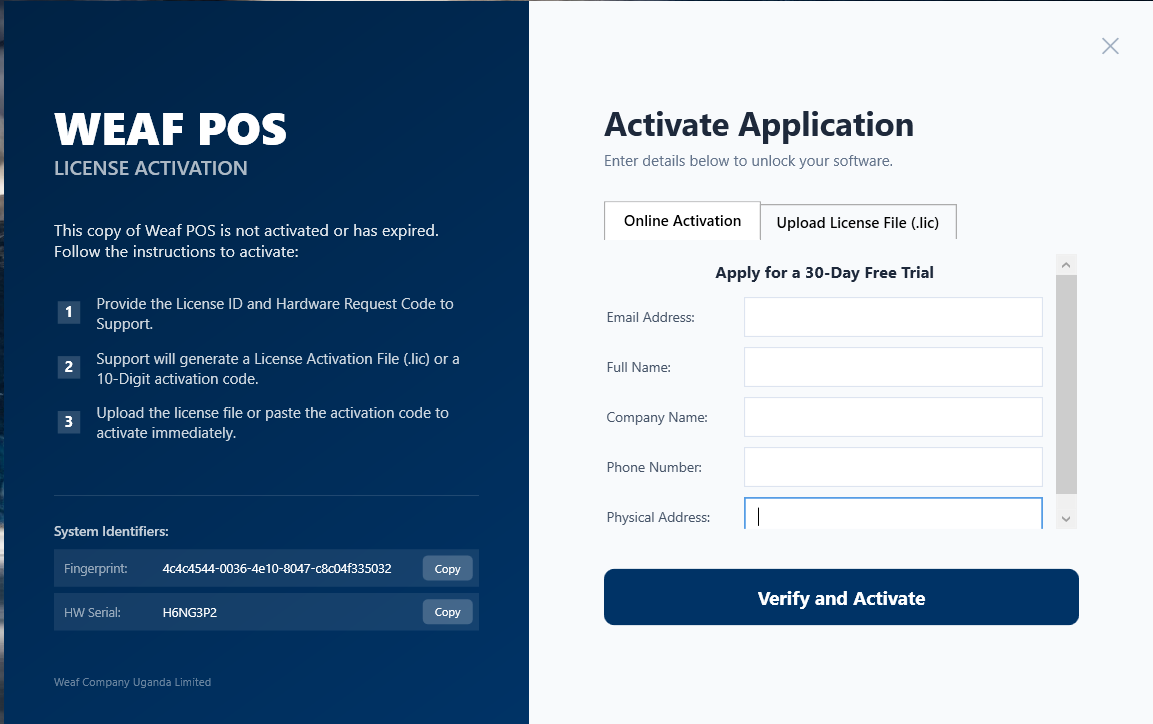
Open the folder or shortcut and double-click WeafPOS.exe. The application opens directly as a normal Windows program with no black command window in the background.
Frequently asked questions
How do I open WEAF POS after installing?
Double-click the WeafPOS.exe shortcut. The graphical app opens directly with no terminal window.
I see a dotnet not recognised error. What do I do?
That means the .NET Desktop Runtime 9.0 is missing. Install it from Microsoft, then launch WEAF POS again.
Does installing WEAF POS change my other programs?
No. It installs as a self-contained Windows application and does not interfere with your other software.