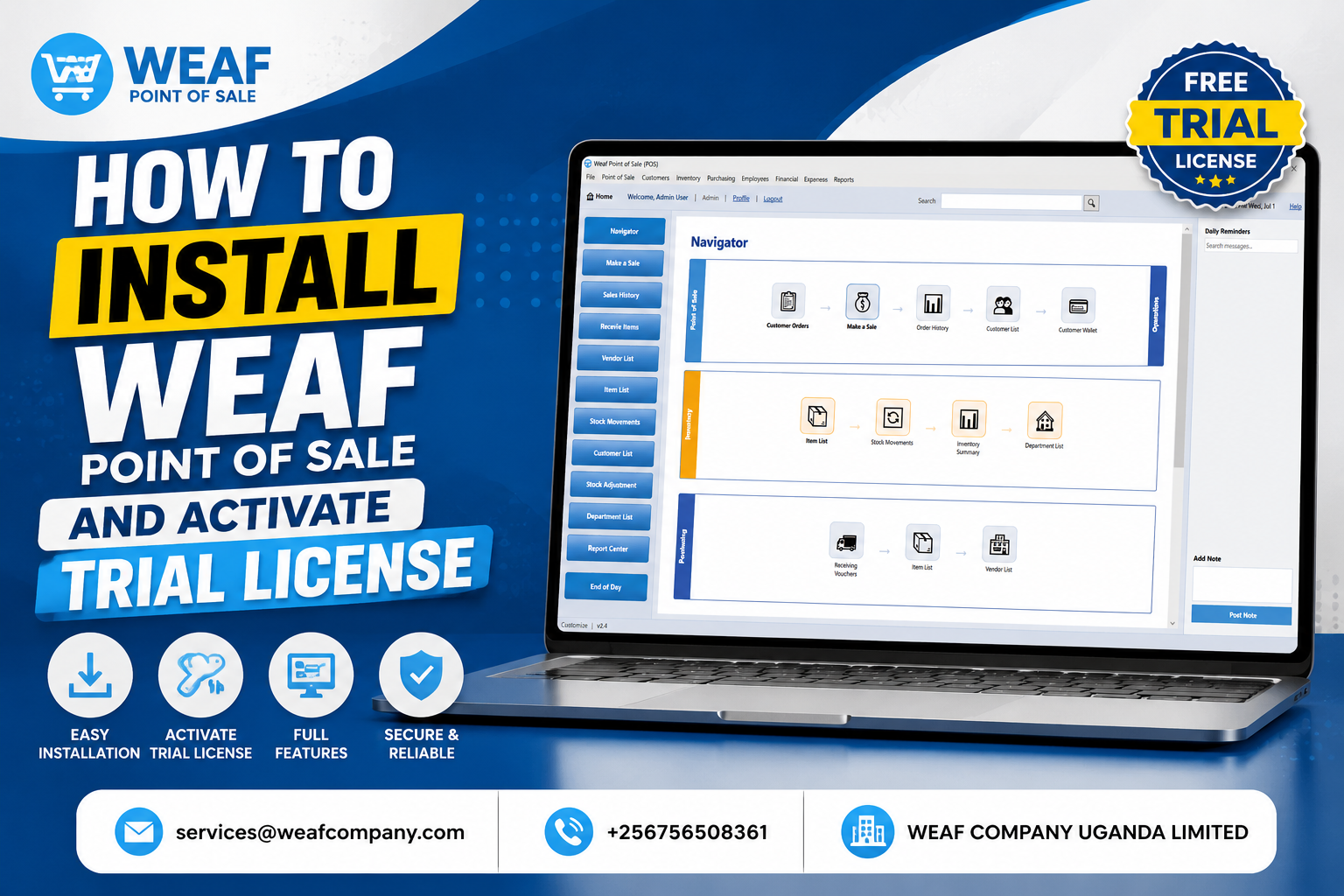
How to Download the WEAF POS Installer for Free
Getting WEAF POS onto your computer is free and takes only a few minutes. You download the installer, create your account and then activate a trial licence to start selling.
Step 1: Open the download page
Visit weafpos.weafcompany.com/download in your browser. This is the official WEAF POS download page for the latest Windows build.
Step 2: Create a free account
Create a free WEAF POS account (the same sign-in works across WEAF POS and weafcompany.com). Your account lets you download the installer and manage your licences later.
Step 3: Download and keep the installer
Download the WEAF POS installer and save it somewhere easy to find, such as your Downloads folder. You can reuse the same installer to set up additional till computers.
Frequently asked questions
Is the WEAF POS download really free?
Yes. The installer and a trial licence are free. You only pay when you decide to buy a full licence.
Where do I download WEAF POS?
From the official page at weafpos.weafcompany.com/download after creating a free account.
Can I install it on more than one computer?
Yes. Use the same installer on each till computer, then connect them to your server in multi-user mode.