Signing In to WEAF POS for the First Time
Test User
1 min read
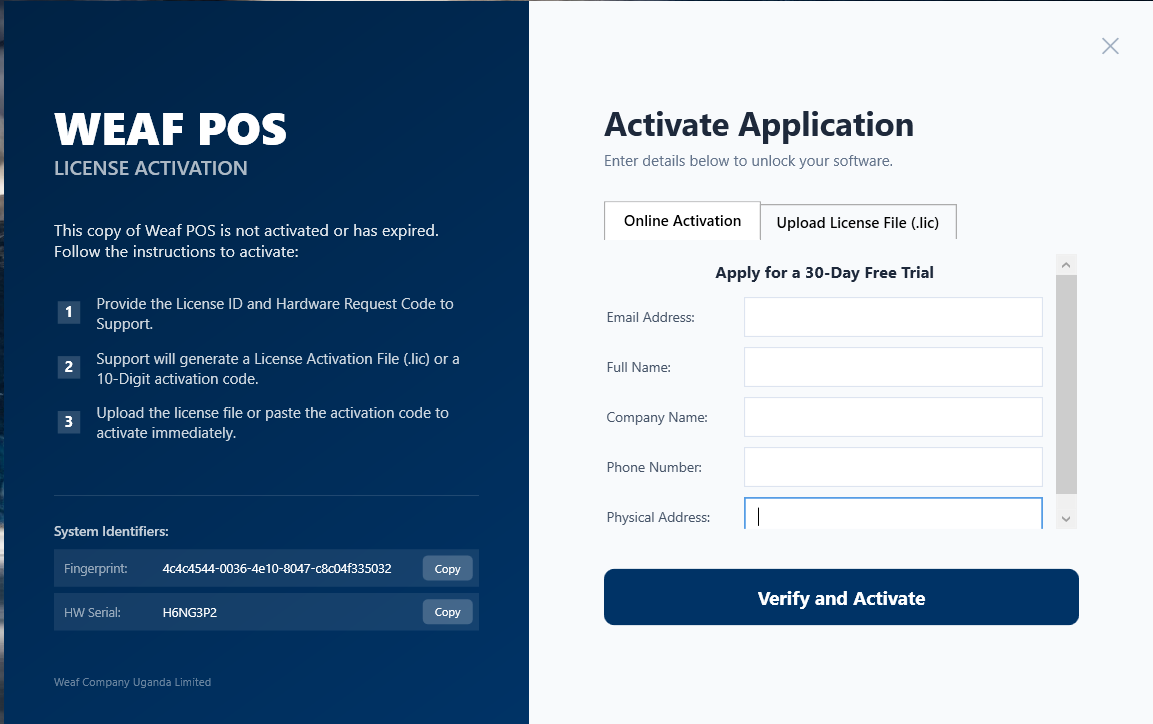
The first time you open WEAF POS you sign in to link the app to your account and licence. Here is what to expect on that first login.
Open the app and sign in
Launch WeafPOS.exe and enter the credentials you created when registering. WEAF POS remembers your details so day-to-day openings are quick.
Cashier and manager accounts
You can create separate accounts for cashiers and managers so each person signs in with their own login. This keeps sales, voids and discounts tied to the right staff member.
Frequently asked questions
What if I forget my password?
Use the forgot-password option to reset it, or contact WEAF support on +256 756 508 361.
Can each cashier have their own login?
Yes. Create individual staff accounts so every sale, void and discount is attributed to the correct person.
Does WEAF POS stay signed in?
It remembers your setup so opening the app each morning is fast, while still keeping staff logins separate.
Topics covered
WEAF POS
point of sale software
POS system
POS software
retail POS software
inventory software
stock management software
receipting software
POS software Africa
EFRIS POS
URA EFRIS
MRA EIS
ZRA Smart Invoice
eTIMS
WEAF Company
WEAF POS login
sign in to POS
first login POS
cashier login POS
POS staff accounts
POS user management
point of sale login
POS sign in Uganda
manager login POS
retail POS accounts
Frequently asked questions
1
What if I forget my password?
2
Can each cashier have their own login?
3