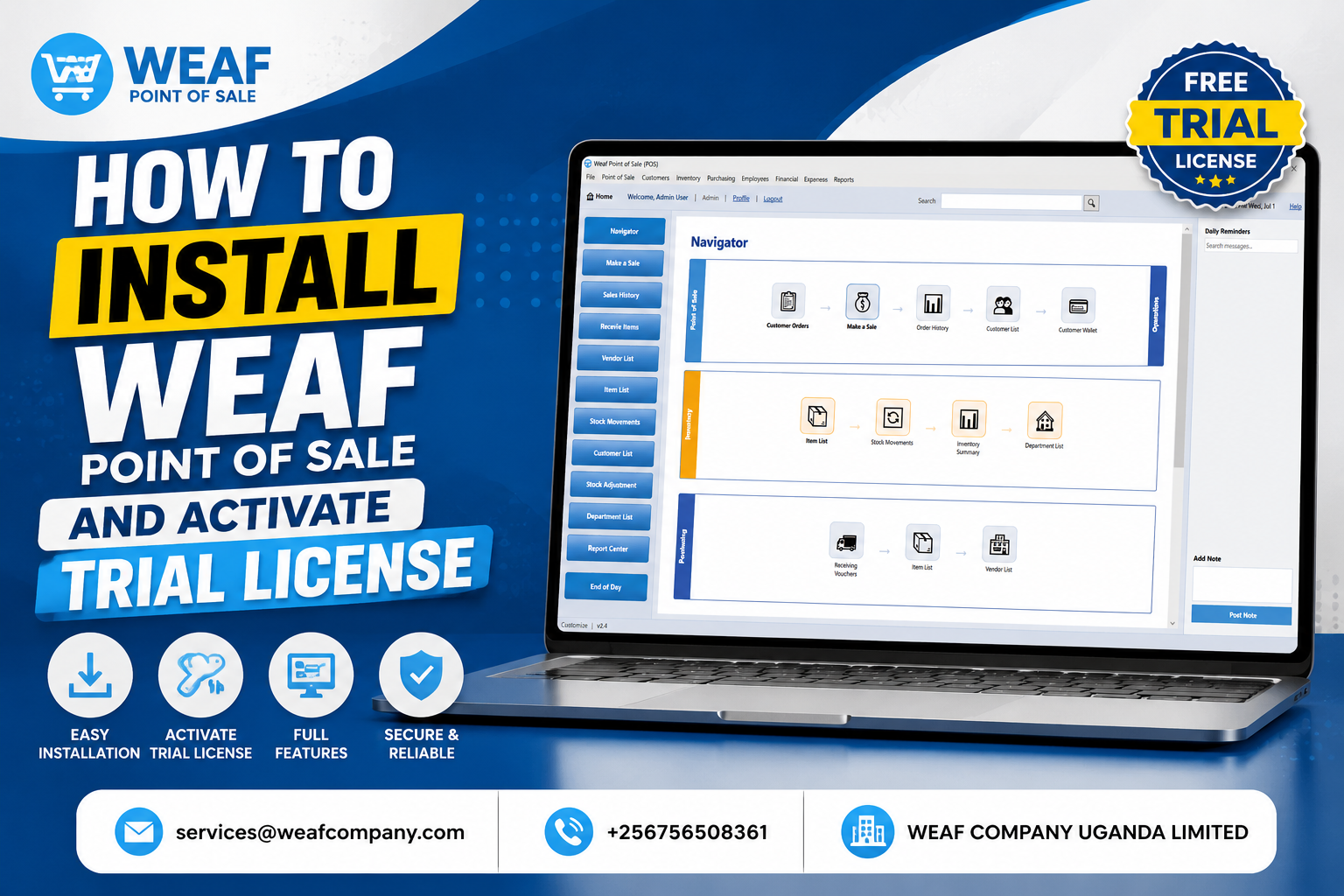
How to Activate a Free WEAF POS Trial Licence in Minutes
Activating a trial licence is the fastest way to start using WEAF POS. In just a few minutes you can be adding products and making test sales. This is the first real step in your WEAF POS journey.
Step 1: Sign in to WEAF POS
Open WeafPOS.exe and sign in with the account you created. The app will offer to activate a licence if none is active yet.
Step 2: Choose a trial licence
Select the trial option. WEAF POS generates a trial licence linked to your account and activates it on your computer, even offline.
Step 3: Start selling
Once activated, the full workspace unlocks. Add a few products, make a test sale and explore reports so you can see exactly how WEAF POS fits your shop.
Frequently asked questions
How long does trial activation take?
Only a few minutes. The trial licence generates and activates almost instantly from your account.
Do I need internet to activate the trial?
Activation is designed to work quickly and offline, so you can start even with limited connectivity.
What can I do during the trial?
Everything: add products, make sales, receive stock, run reports and test tax receipting so you can evaluate WEAF POS fully.