Single-User vs Multi-User Mode in WEAF POS
WEAF POS can run on one computer or across several tills on the same network. Choosing between single-user and multi-user mode depends on how many points of sale your business needs.
Single-user mode
In single-user mode, one computer holds your company file and runs the till. This is perfect for a small shop with one point of sale.
Multi-user mode
In multi-user mode, one computer acts as the server holding the company file, and other till computers connect to it over your local network. Every till shares the same live stock, prices and sales.
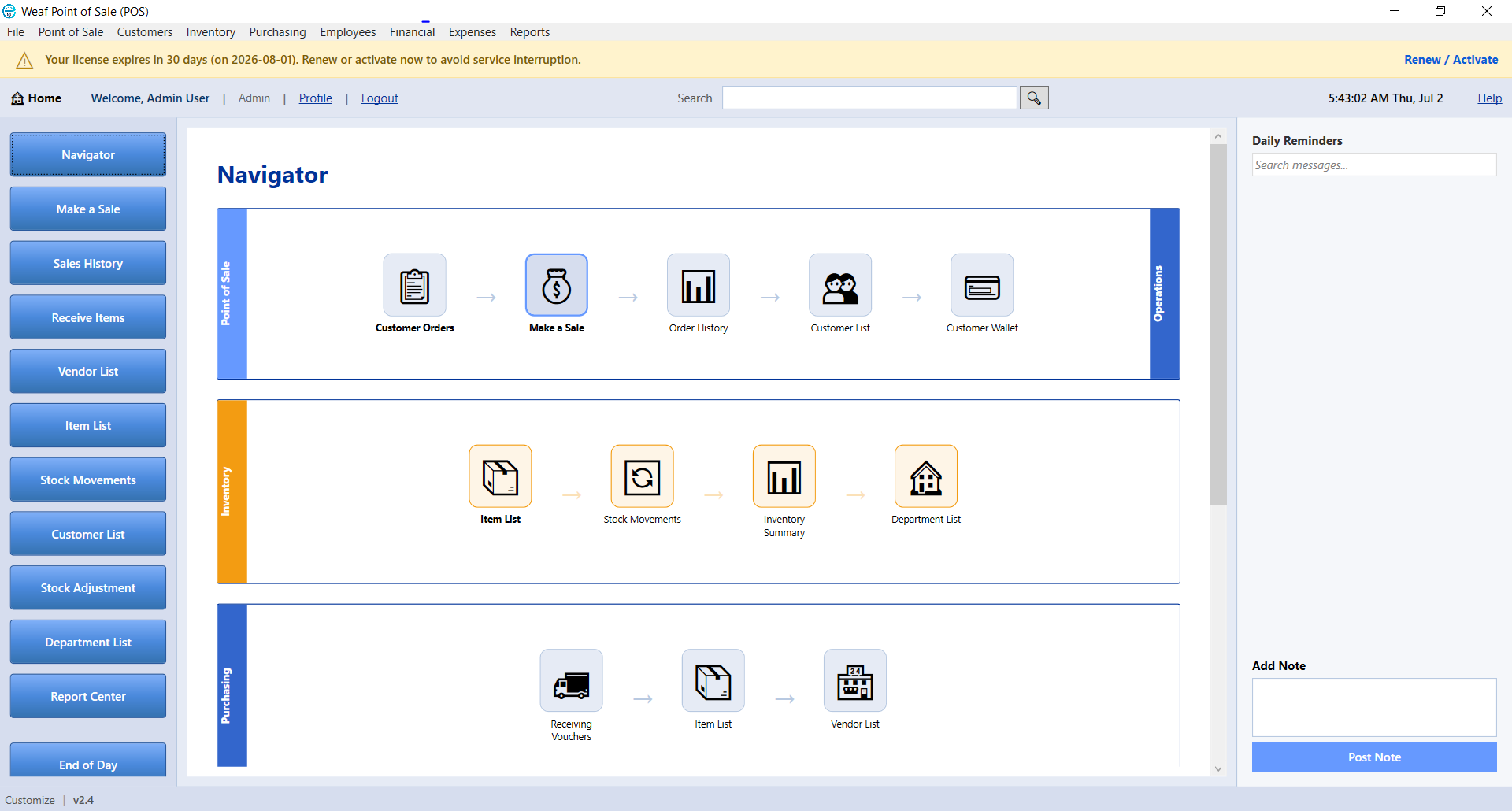
To switch, open WEAF POS on the server, go to File and choose Switch Company File to Multi-User Mode. This registers a background WeafPOS Windows service that stays available even when the main app is closed and starts automatically when the computer boots.
Frequently asked questions
How do I enable multiple tills?
On the server computer, open File and select Switch Company File to Multi-User Mode. Client tills then connect over the network.
Does the server need to stay on?
Yes. The server holds the company file, so it must be on for client tills to sell. A background service keeps it available even if the app is closed.
Can I switch back to single-user?
Yes. Open File on the server and choose Switch Company File to Single User Mode.