Setting Cost Price, Selling Price and Margins
Test User
1 min read
Pricing your products correctly is the difference between a healthy shop and a struggling one. WEAF POS tracks both cost and selling price so you always know your margin.
Cost and selling price
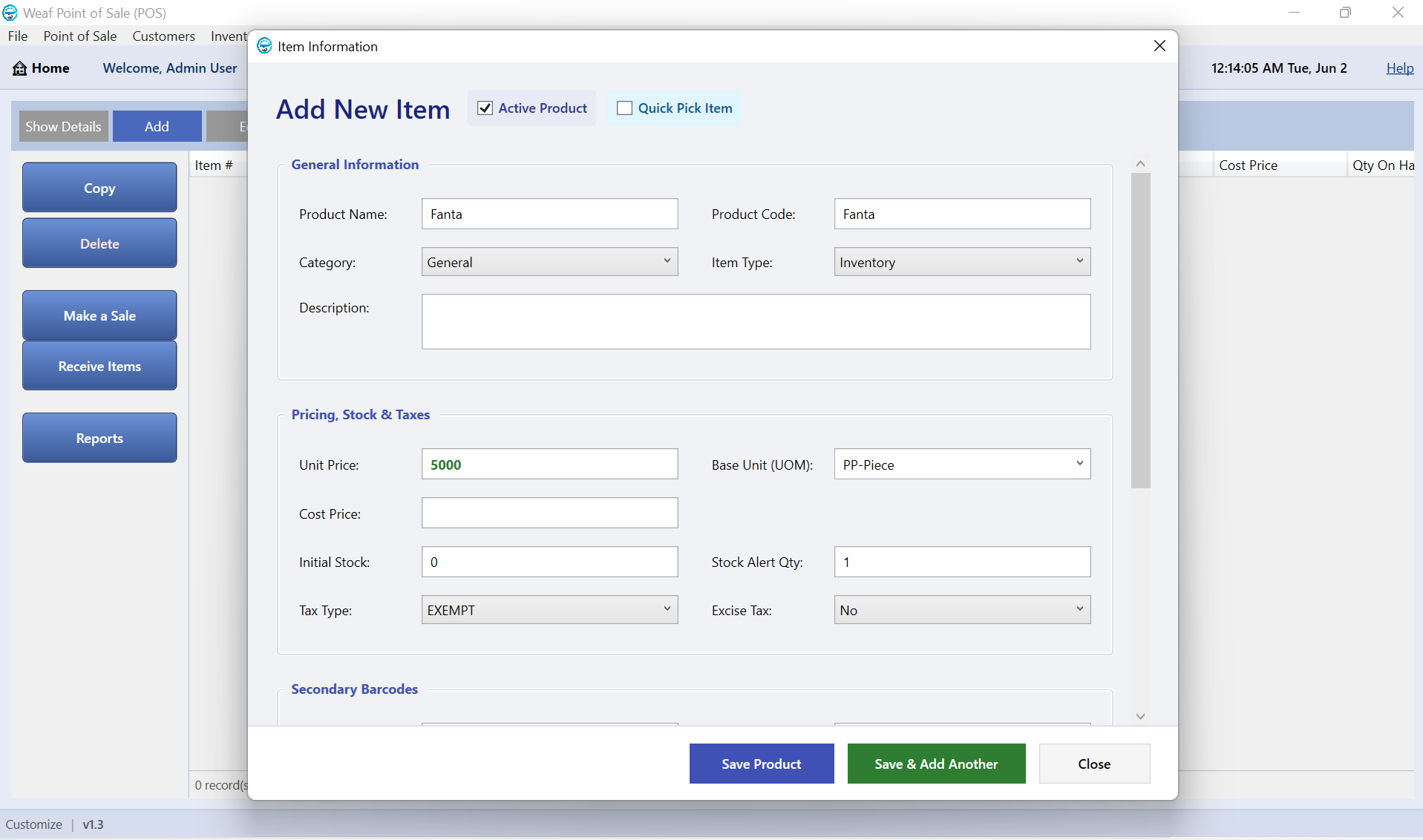
Enter what you pay for an item (cost) and what you sell it for (price). WEAF POS uses these to calculate profit on every sale automatically.
Understand your margin
Your gross margin is the difference between cost and selling price. Tracking it per product and per category shows which lines truly make you money.
Frequently asked questions
Does WEAF POS calculate profit automatically?
Yes. When you record both cost and selling price, profit is calculated on every sale and shown in reports.
Can different products have different margins?
Yes. Each product has its own cost and price, so margins vary naturally by item and category.
Can I update prices in bulk?
Yes. Prices can be updated as costs change; contact WEAF for help with large price changes.
Topics covered
WEAF POS
point of sale software
POS system
POS software
retail POS software
inventory software
stock management software
receipting software
POS software Africa
EFRIS POS
URA EFRIS
MRA EIS
ZRA Smart Invoice
eTIMS
WEAF Company
POS pricing
cost and selling price
profit margin POS
retail pricing software
markup POS
gross margin retail
price management POS
POS profit tracking
pricing strategy retail
margin analysis POS
Frequently asked questions
1
Does WEAF POS calculate profit automatically?
2
Can different products have different margins?
3