How to Make a Sale in WEAF POS
Test User
1 min read
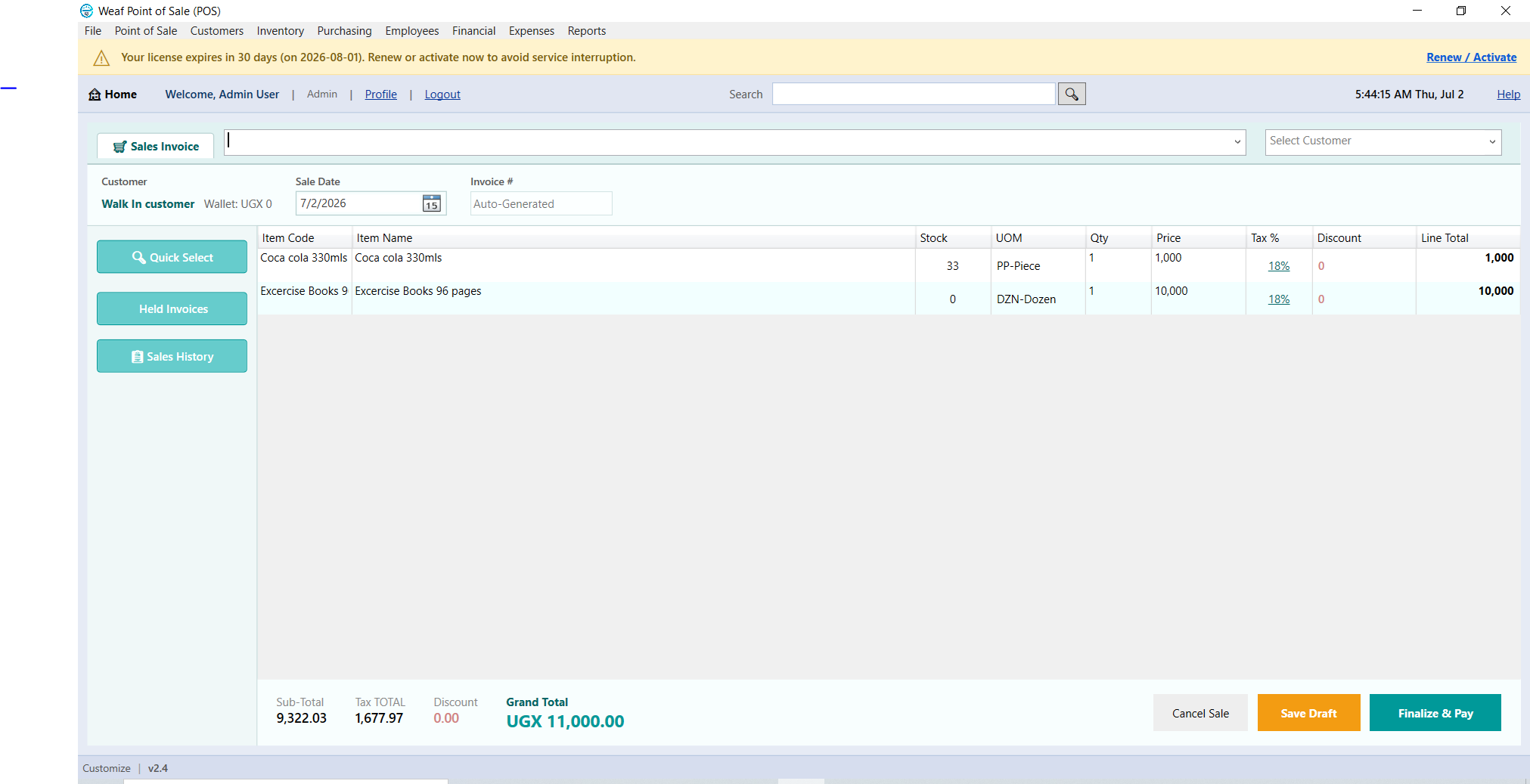
Making a sale is the heartbeat of your shop, and WEAF POS keeps it fast and simple. This guide shows the basic flow from adding items to taking payment and printing a receipt.
Add items to the sale
Scan a barcode, search by name and press Enter, or tap a Quick Pick button. Each item is added to the current sale with its price and quantity.
Take payment and finish
Choose the payment method, enter the amount tendered and complete the sale. WEAF POS shows the change due and prints a receipt, updating stock instantly.
Frequently asked questions
How fast is a sale in WEAF POS?
Very fast. Scanning or Quick Pick plus a single payment step means short queues even at busy times.
Does making a sale update stock?
Yes. Stock reduces the moment a sale is completed, keeping inventory accurate in real time.
Can I sell items without a barcode?
Yes. Search by name and press Enter, or use Quick Pick buttons for no-barcode items.
Topics covered
WEAF POS
point of sale software
POS system
POS software
retail POS software
inventory software
stock management software
receipting software
POS software Africa
EFRIS POS
URA EFRIS
MRA EIS
ZRA Smart Invoice
eTIMS
WEAF Company
make a sale POS
how to sell POS
point of sale checkout
process sale Uganda
cashier sale POS
fast checkout POS
POS selling guide
ring up sale
retail sale software
POS transaction
Frequently asked questions
1
How fast is a sale in WEAF POS?
2
Does making a sale update stock?
3