WEAF POS Installation and Setup FAQ
Answers to common questions about installing WEAF POS, system requirements and connecting multiple tills on your network.
Frequently asked questions
What do I need to run WEAF POS?
A Windows 10 or 11 computer with 4 GB RAM and the Microsoft .NET Desktop Runtime 9.0 installed.
How do I install WEAF POS?
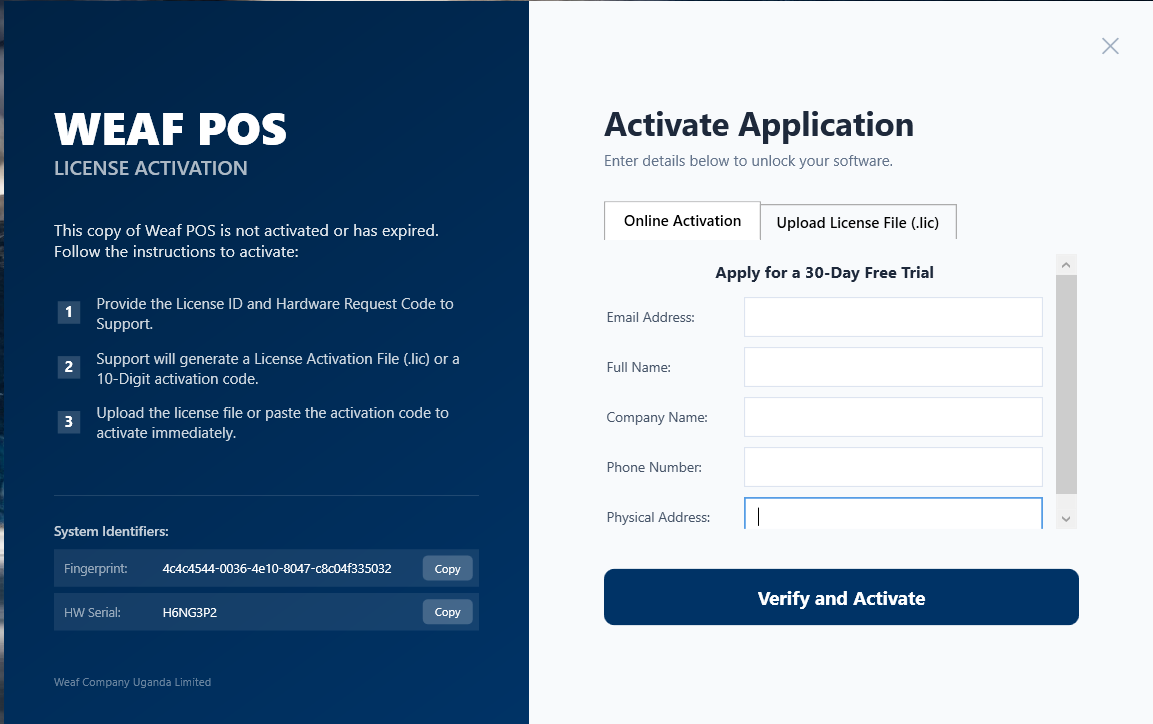
Run the installer you downloaded, install the .NET runtime if prompted, then open WeafPOS.exe.
Can I run more than one till?
Yes. One computer acts as the server and other tills connect over your local network in multi-user mode.
My till cannot find the server. What do I check?
Ensure the server is on and in Multi-User Mode, both computers are on the same network, and the firewall allows UDP 19500 and TCP 3306.
What hardware do I need?
A Windows computer, ideally with a barcode scanner and receipt printer. Contact WEAF for recommendations.
Who can help me set up?
Contact WEAF on +256 756 508 361 for installation and setup support.
Talk to WEAF
Still have a question? Call or WhatsApp us on +256 756 508 361, email weafpos@weafcompany.com, or download WEAF POS free at weafpos.weafcompany.com/download.